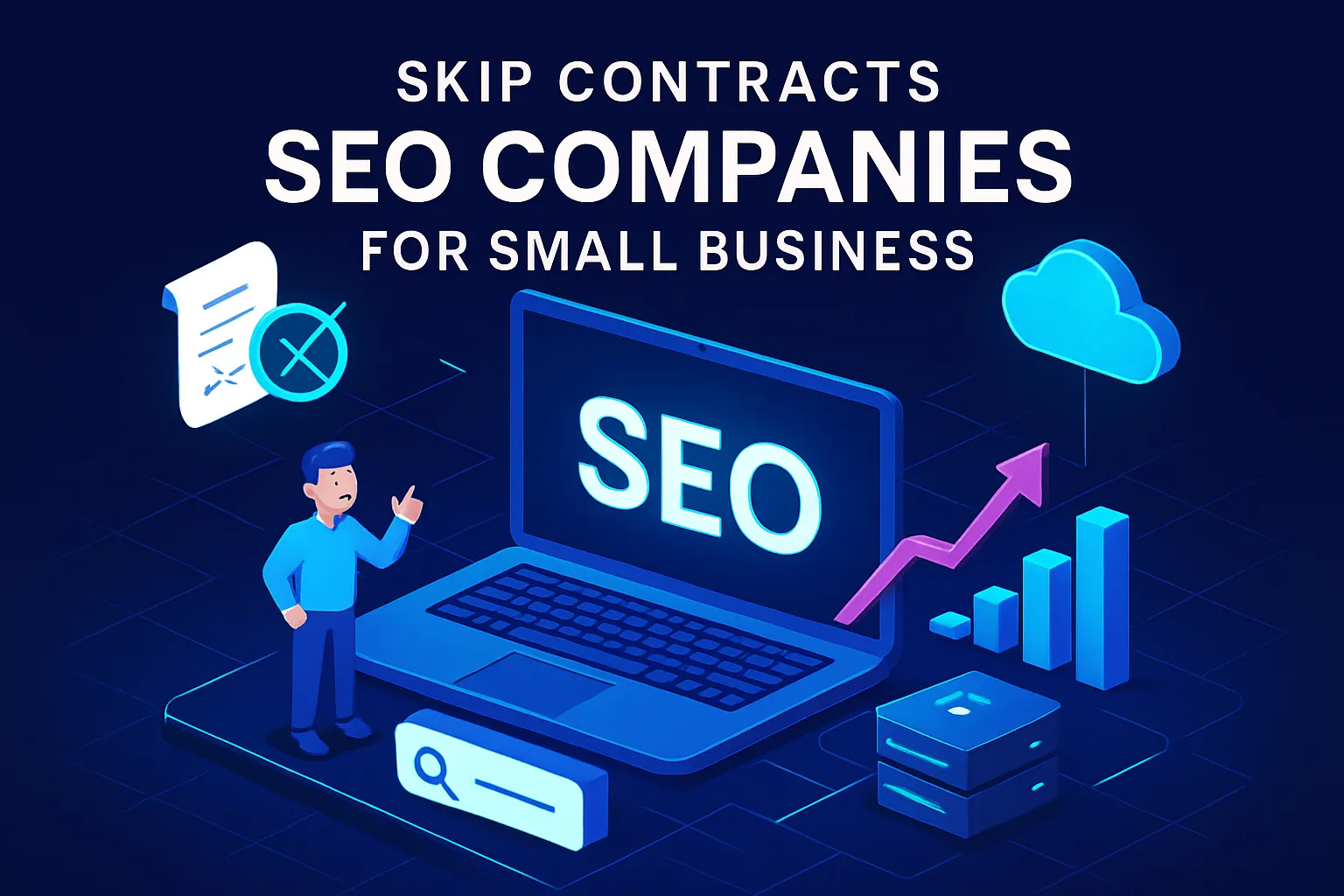
What is digital marketing? It’s a system of 7 channels engineered to work together — search, content, email, ads & more. See which ones actually compound.


At Affinity Design, we help businesses leverage the power of AI, reach more aligned clients and make more money online. Websites, SEO, Google Ads and AI automation, built to turn visitors into booked calls.
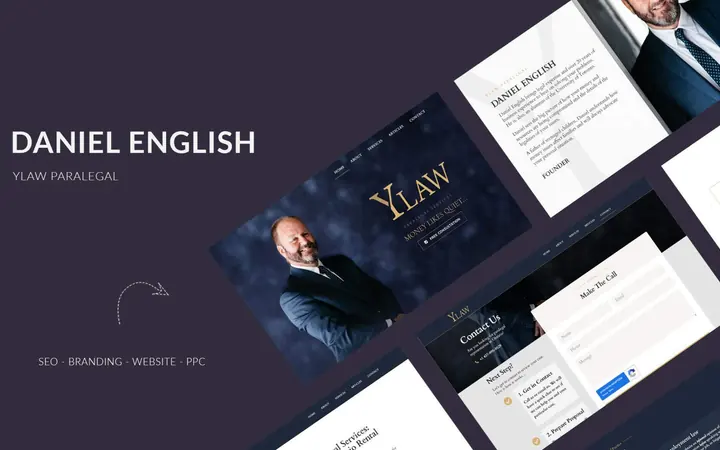 SEO + ADSYLAW From Zero Traffic to AI-Automatedorganic call volume grew by over 500%
 Social Media Ads / WebsiteOdeon Wellness153 Leads75 Booked$5,386.00 Profit /month
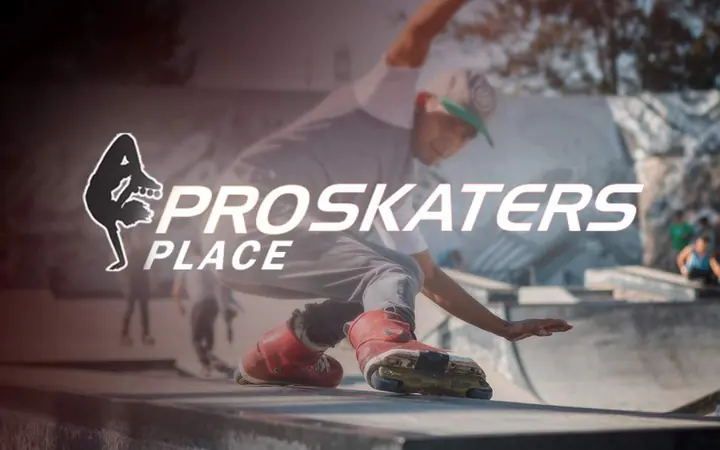 Search Engine OptimizationProskaters Place354% Traffic2.7x Revenue
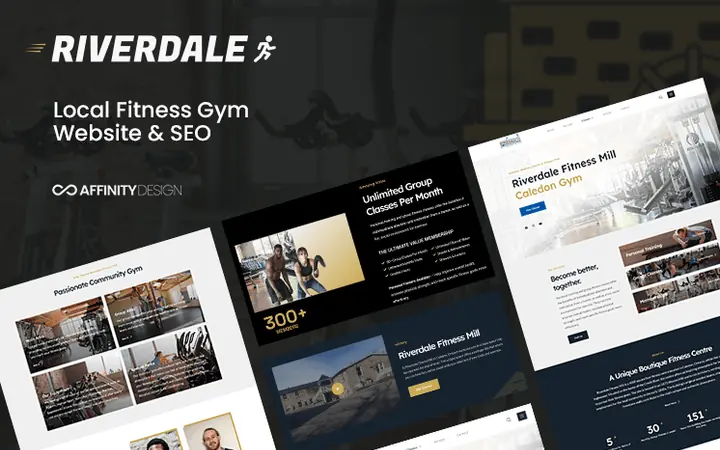 Design & SEORiverdale Fitnessmill423% Traffic2x Revenue
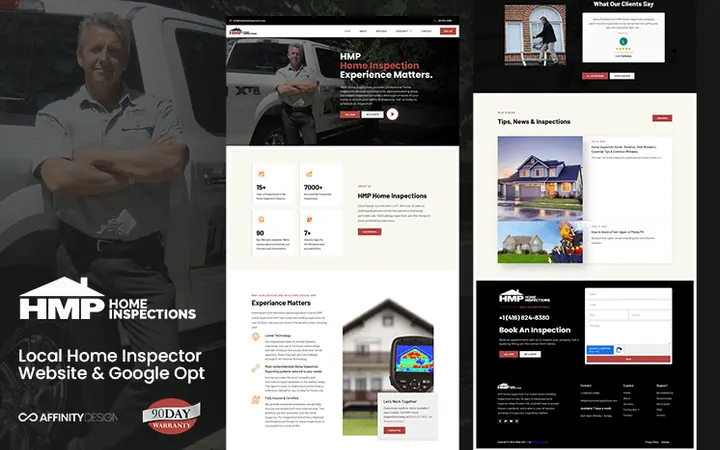 Design & SEOHMP Home Inspectionsa 22% increase in traffic
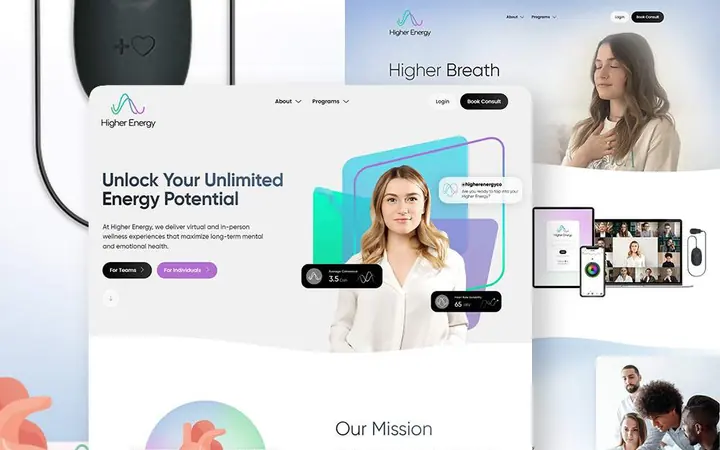 Design & MarketingHigher Energytheir first 10k in deals only 3 months after we went live
At Affinity Design, we don’t just build websites — we build brands. Over the last 10 years, we have helped entrepreneurs and startups elevate and scale their online businesses through strategic website software & digital marketing. We can help you create an exceptional web experience that not only captivates your prospects but converts.
Your website can do more than you think. We help you pick a content management platform that can grow with you long term, reduce your monthly SaaS plans & solve complex administration and sales flows under one roof — for one low monthly rate.


Want to learn how AI can work for your business first? Call Jess to book a call.
Websites, SEO, Google Ads and AI automation, built to turn visitors into booked calls.
Get a website or landing page that converts more visitors into customers, and attracts more traffic from Google.
Learn moreHosting, security, software updates, uptime monitoring, domain management, bug fixes, content management, and more.
Visit site (opens in a new tab)Drive traffic to your website through organic (SEO) and paid (PPC) traffic.
Learn moreWe integrate AI into your sales process, operational workflow, and website.
Visit site (opens in a new tab)Need a professional, high-performing website but tired of waiting weeks or months? We build, optimize, and deploy pixel-perfect single-page sites designed to convert visitors into clients — in under 24 hours.
Pixel-perfect single page site built today.
No retainers. No contracts. Free hosting forever.
Get My Site Live100% Money-Back Delivery Guarantee
Prefer to talk first? Book a call
Our team is brimming with passionate creatives dedicated to turning visions into reality. We come from varied backgrounds, each bringing unique skills to the table, united in crafting standout solutions for our clients.
We're not just a team; we're innovators committed to producing work that not only meets but surpasses expectations.



AI automation
We work with your business to convert traditional operations into cutting-edge, AI-powered systems ready for the 22nd century. Our strategic implementation of artificial intelligence drives growth while maximizing efficiency. Call our AI sales rep to learn more about what AI can do for you.
Call JessWe design comprehensive AI ecosystems tailored to your specific business needs. Our solutions integrate seamlessly with your existing processes, creating a foundation for intelligent automation and data-driven decision making.
Save 15+ hours weekly with our automated lead qualification system. Our AI tools connect with potential clients within seconds, qualify prospects, and book appointments with decision-makers on the spot.
Our advanced AI analytics identify weaknesses in your sales process, providing actionable insights to dramatically improve closing rates. We analyze patterns, recommend adjustments, and help implement strategies that convert.
How it fits together
Fuel brings them in. Hands do the work. The brain runs the show.
You, from your phone
Founder Core · The brain
Saves $3K to $6K per month
Saves you 10 to 20 hours off your week.
Sees the whole business, writes your SOPs, finds where time and money bleed, and sets the Game Plan to scale.
what happenedwhat to do next
Affinity Connect · The fuel
Replaces $3K to $12K per month in spend
Saves years of tech training and hours of posting.
Traffic agents and setters. They pull people in and book qualified leads right into your calendar.
New customers
VA Killer · The hands
At $2K to $3K per month
Saves months of training, admin and delegation.
Agents trained to do the work. The repetitive work, consistently, on time and 24/7.
The agents work inside your real accounts.
Replaces 5 to 7 positions $8K to $21K per month
Google reviews
Every review below is shown exactly as it was posted on our Google Business Profile.
We've refined our approach to deliver maximum value at every step. Our systematic process ensures we create transformative solutions tailored to your unique business needs.
It's a comprehensive, deep analysis of the core constraints of your business.
You fill out the audit form. The form helps us diagnose it, so we can find the top core blockers in your business that are preventing growth.
We look at your current processes and strategies and identify the opportunities for improvement, so everything that follows is built around what is actually holding your business back.
Where we walk you through the blockers we found and how we can potentially deploy agents, or work together to solve the most critical bottlenecks in your business.
We'll discuss your current challenges, goals and expectations, share our approach, and make sure we're the right fit for your business.
It's the conversation where we work out how we might help you overcome obstacles and reach the outcomes you want.
We prepare a proposal and an attack list: all the things we would do to help you and to grow your business over the next year, with pricing and details.
On the call we walk you through it, so you can see the whole plan, what each part involves and what it costs.
It's a dedicated action plan tailored specifically to your business needs.
We start with the most important bottlenecks and the highest-value leverage, and roll those out first.
We roll up our sleeves and get to work, creating and implementing everything needed to achieve your desired outcome. Our team executes the action plan with precision, ensuring every detail is addressed.
During implementation, we maintain clear communication and provide regular updates on progress.
Optimization, maintenance and growth, together.
Slowly see your numbers improve, and watch your business grow over the next year.
We continuously monitor performance, gather data and make adjustments as needed, so your results keep improving as your business grows.
We partner with brands we genuinely enjoy working with, focusing on long-term relationships that foster mutual growth.
FAQ
We focus on local businesses between $350K and about $1M a year in revenue that want to scale this year, to $1M and, for some, toward $5M.
The best fit is a real local business with real customers and an offer that already works. It wants to hit $1M and beyond this year, is tight on time and close to a breakthrough, and wants to approve and direct rather than manage settings.
Revenue goals are targets, not promises.
We design and build websites, manage them after launch, run organic (SEO) and paid (PPC) campaigns that drive traffic, and integrate AI into your sales process, operational workflow and website. That covers everything from hosting, security, software updates and uptime monitoring to lead generation, so one team can look after your whole online presence.
Done for you is for businesses at roughly $350K to $600K a year that are tight on time. We build the custom site, install the agents and connect them to your systems, set the strategy with you and run it, and you approve and direct. If you would rather learn how AI can work for your business first, call our AI sales rep, Jess, on +1 647-370-6559 and book a call.
It starts with a free audit: a comprehensive, deep analysis of the core constraints of your business, with a form that helps us diagnose the top core blockers preventing growth. Next is a free strategy session, where we walk you through the blockers and how we can potentially deploy agents or work together to solve your most critical bottlenecks. Then we prepare a proposal and an attack list for the next year, with pricing and details. We implement the most important bottlenecks and the highest-value leverage first, and from there it is a long-term partnership of optimization, maintenance and growth.
Our Website-In-A-Day offer builds a pixel-perfect single-page website and puts it live within 24 hours of your completed form, or you don't pay. It includes free hosting and starter AI edit credits for quick content updates, with a money-back delivery guarantee. For a larger, multi-page website we follow our full process and confirm scope and timing on your consulting call.
Yes. We structure websites with marketing and SEO in mind so they can rank on Google and capture leads, and we run organic (SEO) and paid (PPC) campaigns to bring more traffic to them. Our SEO work includes WordPress SEO and local SEO for businesses that serve a specific area. Book a call to talk through your goals.
Yes. Our website management and development service covers hosting, security, software updates, uptime monitoring, domain management, bug fixes, content management and more. We also help you choose a content management platform that can grow with you, so you can reduce your monthly SaaS plans and solve administration and sales flows under one roof.
We integrate AI into your sales process, operational workflow and website. That includes automated lead qualification that connects with potential clients within seconds, qualifies prospects and books appointments with decision-makers, plus analytics that point out weaknesses in your sales process. Call our AI sales rep on +1 647-370-6559, or book a call, to see what AI can do for you.
Still have a question? Talk to us directly.
The offerWe take 10 installs a month
Done for you
$350K to $600K a year
You are tight on time and close to a breakthrough. This is where we team up. We build it, install the agents, set the strategy with you and run it, then grow with you toward $2M to $3M.
Full agent installation & strategy
Learn first
+1 647-370-6559
Call our AI sales rep, Jess, to book a call and see what AI can do for you.
What AI can do for you
Not sure which fits? The free strategy audit tells you, before you commit to anything.
Revenue goals are targets, not promises.